Video Surveillance
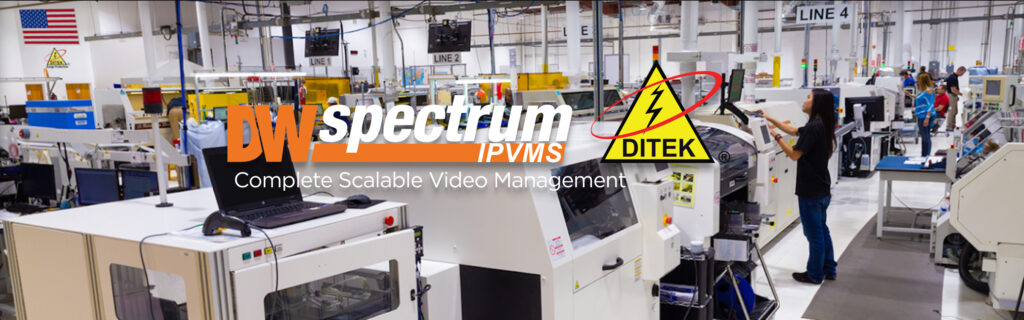
Digital Watchdog Case Study: Manufacturing
DITEK Manufacturing Facility – located in Largo, FL – works with Digital Watchdog to create a video surveillance solution that is elegant and discrete to implement in their showcase room.

Digital Watchdog Case Study: Banking
Grand Savings Bank – serving NW Arkansas and NE Oklahoma – was looking for an expandable video surveillance system that is future proof and has the flexibility to remotely view all properties.

Digital Watchdog Case Study: K-12 Education
Humboldt County Office of Education – a school district in the state of California, was looking to upgrade their dated video surveillance system. They need a high-resolution system that is NDAA-compliant.
Digital Watchdog Case Study: Retail, Small Business
Barriehaus Beer Co. – located in Tampa, FL – had a video surveillance system designed to keep an eye on productivity in the brewery with an easy-to-use software.
Access Your Cameras From Anywhere



Access Control
ProDataKey Case Study: Lubbock Electric
An old-fashioned company gets a modern security update.
ProDataKey Case Study: Fitness Center
PDK shows gym and fitness center owners why the right access control is a business necessity.
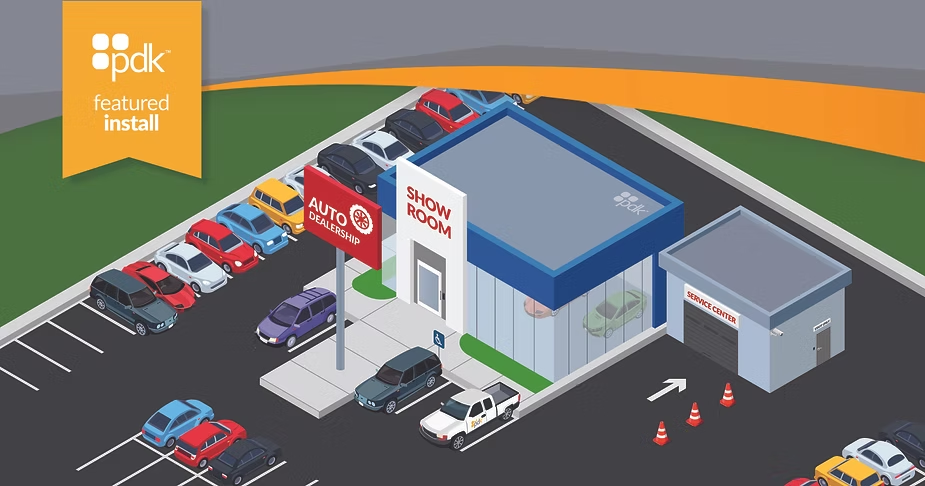
Securing Multi-Site Car Dealerships: A PDK Featured Install
PDK’s solutions for the Automotive Industry.

Securing Dog Parks with PDK: The Expertise of International Controls & Equipment
The Expertise of International Controls & Equipment
Unlock Doors with Your Phone